
Imagine writing Python code that runs directly on your Arduino — no compiling, no waiting, just instant feedback. Sounds like a dream? Welcome to the world of MicroPython on Arduino, where the simplicity of Python meets the versatility of Arduino hardware. Whether you’re a seasoned coder tired of the compile-upload-debug cycle or a beginner eager to dive into robotics and IoT, this guide unpacks everything you need to know to get started — from the best compatible boards like the Nano ESP32 and Nano RP2040 Connect, to advanced tips on networking, debugging, and integrating with existing Arduino libraries.
Did you know that Arduino’s official support for MicroPython has transformed how hobbyists and professionals prototype? We’ll reveal why MicroPython is not just a fad but a powerful tool that could redefine your development workflow. Curious about which boards truly shine with MicroPython or how to bridge the gap between Python and Arduino’s C++ ecosystem? Stick around — we’ve got all that and more.
Key Takeaways
- MicroPython brings Python’s ease and interactivity to Arduino’s hardware, enabling rapid prototyping and easier debugging with the REPL.
- Not all Arduino boards support MicroPython; top picks include the Arduino Nano ESP32, Nano RP2040 Connect, and Portenta H7.
- MicroPython excels in IoT and robotics projects, simplifying Wi-Fi connectivity and sensor integration.
- Performance trade-offs exist: MicroPython is slower and more memory-intensive than Arduino C++, but development speed and readability often outweigh this.
- Integrating Arduino C++ libraries with MicroPython requires advanced techniques, so look for Python-native drivers or write your own.
- Official Arduino tools like Arduino Lab for MicroPython and IDEs like Thonny make setup and coding a breeze.
Ready to transform your Arduino projects with Python? Let’s dive in!
Table of Contents
- ⚡️ Quick Tips and Facts About MicroPython on Arduino
- 🧠 MicroPython and Arduino: A Brief History and Evolution
- 🔍 What is MicroPython? A Beginner’s Guide to Python on Microcontrollers
- 🎯 Why Use MicroPython on Arduino? Benefits and Use Cases
- 🛠️ Setting Up MicroPython on Arduino: Step-by-Step Installation Guide
- 💾 Best Arduino Boards Compatible with MicroPython Firmware
- 🔧 Top 7 MicroPython Firmware Versions for Arduino and How to Choose
- 📡 Connecting Arduino to Wi-Fi Using MicroPython: A How-To
- 📊 Debugging and Troubleshooting MicroPython on Arduino: Pro Tips
- 💡 Advanced MicroPython Projects on Arduino: From IoT to Robotics
- 🔄 Integrating Arduino C++ Libraries with MicroPython: What You Need to Know
- ⚠️ Important Notices and Limitations When Using MicroPython on Arduino
- 🧰 Essential Tools and IDEs for MicroPython Development on Arduino
- 📚 Resources for Learning MicroPython and Arduino Programming
- 🎉 Conclusion: Is MicroPython the Future for Arduino Enthusiasts?
- 🔗 Recommended Links for MicroPython and Arduino
- ❓ Frequently Asked Questions (FAQ) About MicroPython on Arduino
- 📖 Reference Links and Further Reading
At Robotic Coding™, we live and breathe the smell of solder and the click of a mechanical keyboard. If you’ve ever felt that the traditional Arduino C++ workflow was a bit too… “1990s desktop computer,” then you’re in for a treat. We’re diving deep into the marriage of the world’s most famous hobbyist hardware and the world’s most popular programming language.
But wait—can a tiny chip really handle the “heavy” weight of Python? And why is everyone suddenly talking about the Arduino Nano ESP32? Stick around, because we’re about to reveal why your old Arduino Uno might be feeling a little left out of the party. 🐍+🤖
⚡️ Quick Tips and Facts About MicroPython on Arduino
Before we get into the weeds, here’s the “too long; didn’t read” version for those of you currently holding a soldering iron in one hand and a coffee in the other.
- Compatibility Check: Not all Arduinos are created equal. While the Arduino Nano ESP32 is a MicroPython superstar, the classic Arduino Uno (ATmega328P) cannot run MicroPython due to its tiny 2KB of RAM.
- The REPL Advantage: MicroPython features a “Read-Eval-Print Loop,” allowing you to run code instantly without waiting for a long compilation process.
- Official Support: Arduino now officially supports MicroPython and even has a dedicated Arduino Lab for MicroPython editor.
- Performance Trade-off: C++ is faster and more memory-efficient, but MicroPython is significantly faster to write and debug.
- Library Ecosystem: You can’t always use standard Arduino C++ libraries directly in MicroPython; you’ll need Python-specific versions (drivers).
| Feature | MicroPython | Arduino C++ |
|---|---|---|
| Learning Curve | Low (Easy) | Moderate |
| Execution Speed | Slower (Interpreted) | Faster (Compiled) |
| Development Speed | Very Fast | Moderate |
| Memory Usage | High | Low |
| Hardware Control | High | Maximum |
🧠 MicroPython and Arduino: A Brief History and Evolution
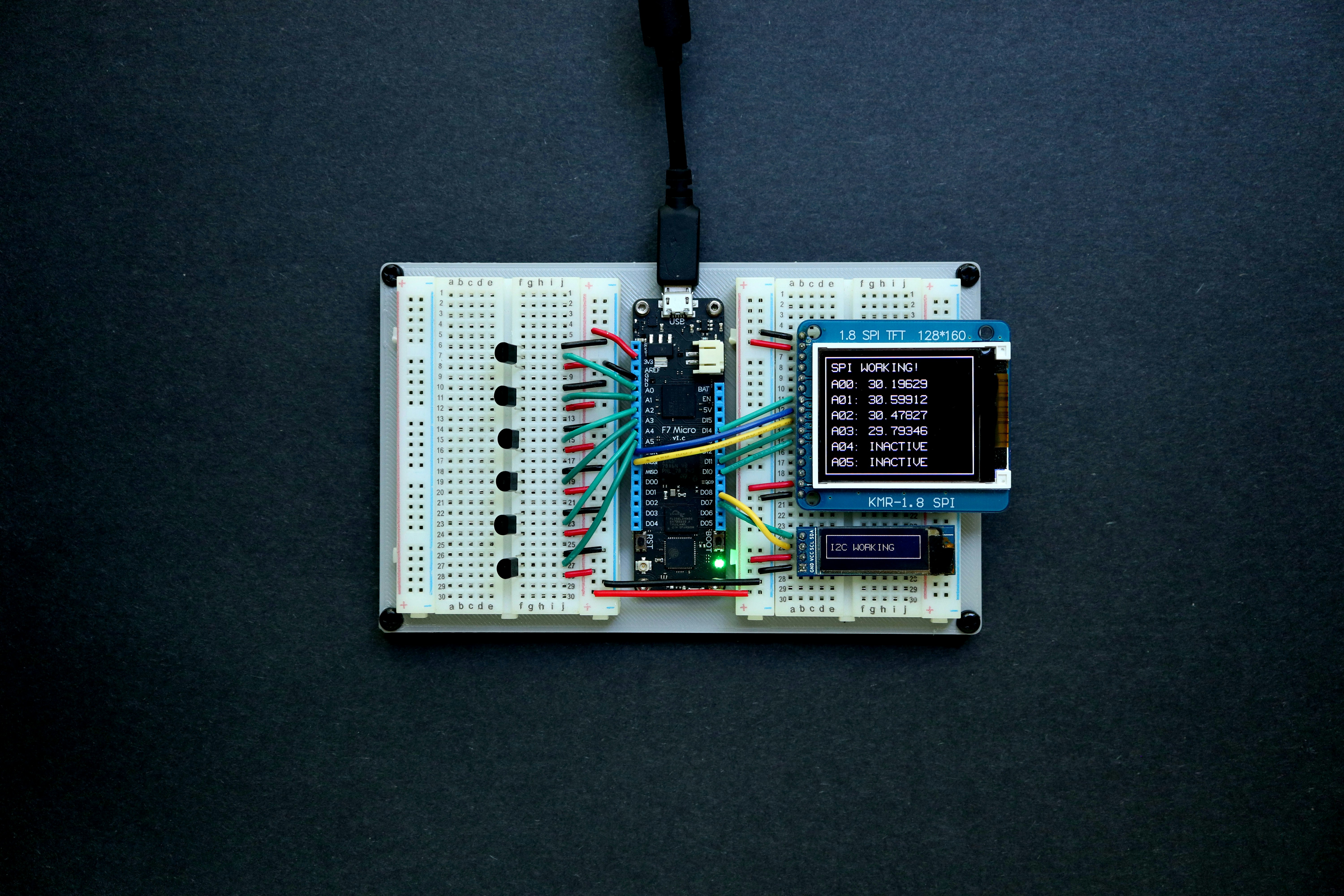
If you want to understand where we are, we have to look at where we started. For over a decade, coding languages in the microcontroller world were dominated by C and C++. It was the law of the land. But in 2013, Damien George launched a Kickstarter that changed everything: MicroPython.
Initially, MicroPython was a niche tool for the Pyboard. However, as hardware became more powerful and cheaper, the “Python on hardware” movement exploded. Arduino, seeing the writing on the wall (and the massive influx of Python-loving students in robotics education), decided to embrace the snake.
In recent years, Arduino has shifted from being a “C++ only” company to a multi-language platform. This evolution culminated in the release of the Arduino Nano ESP32 and the Nano RP2040 Connect, both designed with Python in mind. As we noted in our comprehensive guide to MicroPython, this shift has lowered the barrier to entry for thousands of aspiring engineers.
🔍 What is MicroPython? A Beginner’s Guide to Python on Microcontrollers
At its core, MicroPython is a lean and efficient implementation of the Python 3 programming language that is optimized to run on a microcontroller. Think of it as Python’s younger, fitter brother who can survive on a diet of milliwatts and kilobytes.
Unlike standard Python that runs on your PC, MicroPython doesn’t need an operating system like Windows or Linux. It is the operating system (sort of). When you flash MicroPython firmware onto an Arduino, you are installing a Python interpreter directly onto the chip.
Why does this matter? In traditional Arduino programming, you write code, click “Upload,” wait for it to compile, and then see if it works. In MicroPython, you can use the REPL (Read-Eval-Print Loop). You can literally type led.on() into a terminal, and the LED on your board turns on instantly. It’s like magic, but with more semicolons (or fewer, actually).
🎯 Why Use MicroPython on Arduino? Benefits and Use Cases
We often get asked: “If C++ is faster, why bother with Python?” It’s a fair question. According to the featured video, “MicroPython excels in rapid prototyping because you can run code without recompiling.”
Here is why we at Robotic Coding™ often reach for the snake:
- Rapid Prototyping: You can test ideas in minutes rather than hours.
- Readability: Python code looks like English. This makes it perfect for robotics education where the focus should be on logic, not syntax errors.
- Built-in File System: MicroPython boards usually appear as a USB drive on your computer. You just drag and drop your
main.pyfile. - Excellent for IoT: Handling JSON, MQTT, and HTTP requests is significantly easier in Python than in C++.
Check PRICE on:
- Arduino Nano ESP32: Amazon | Arduino Official
- Arduino Nano RP2040 Connect: Amazon | Walmart
🛠️ Setting Up MicroPython on Arduino: Step-by-Step Installation Guide
Ready to get your hands dirty? Here is how we set up our boards in the lab.
Step 1: Choose Your Board
Ensure you have a compatible board. If you try this on an Arduino Uno or Nano Every, you will fail. Stick to the Nano ESP32, Nano RP2040 Connect, or Portenta H7.
Step 2: Download the MicroPython Installer
Arduino has made this incredibly easy. Download the Arduino Lab for MicroPython. It’s a lightweight editor that handles the firmware flashing for you.
Step 3: Flash the Firmware
- Connect your Arduino to your PC via USB.
- Open the installer.
- Select your board from the list.
- Click “Install MicroPython.”
Step 4: Your First Script
Open an editor like Thonny IDE (our personal favorite). Connect to the board, and type:
print("Hello from Robotic Coding!") If it prints back to you, congratulations! You are officially a MicroPython developer.
💾 Best Arduino Boards Compatible with MicroPython Firmware
Not every Arduino can handle the power of Python. Here is our expert rating of the best boards for the job.
| Board Name | Design | Functionality | Python Support | Overall Rating |
|---|---|---|---|---|
| Nano ESP32 | 10/10 | 9/10 | 10/10 | 9.7 |
| Nano RP2040 Connect | 9/10 | 9/10 | 9/10 | 9.0 |
| Portenta H7 | 8/10 | 10/10 | 8/10 | 8.7 |
| Nicla Vision | 9/10 | 8/10 | 7/10 | 8.0 |
1. Arduino Nano ESP32
This is the gold standard. It’s built on the u-blox NORA-W106 module. It’s fast, has plenty of RAM, and is the board Arduino uses for all their official MicroPython courses. ✅ Pros: Native USB support, Wi-Fi/Bluetooth, very affordable. ❌ Cons: 3.3V logic (don’t plug 5V into the pins!).
2. Arduino Nano RP2040 Connect
Based on the Raspberry Pi RP2040 chip, this board adds Wi-Fi, an IMU, and a microphone. It’s a powerhouse for robotics projects. ✅ Pros: Tons of sensors built-in. ❌ Cons: Firmware can be finicky to update.
🔧 Top 7 MicroPython Firmware Versions for Arduino and How to Choose
Choosing the right firmware is like choosing the right tires for your car. Here are the top 7 versions/distributions you should know about:
- Official MicroPython Stable: The most reliable. Get it from micropython.org.
- Arduino Official Firmware: Optimized specifically for the Nano ESP32 and Portenta series.
- CircuitPython (Adafruit): A fork of MicroPython. While not “official” Arduino firmware, it runs beautifully on the Nano RP2040 Connect and is very beginner-friendly.
- MicroPython Preview Builds: For the brave souls who want the latest features (like improved BLE support) before they are fully tested.
- OpenMV Firmware: Specifically for the Nicla Vision and Portenta H7. It’s optimized for artificial intelligence and computer vision.
- Custom Frozen Firmware: For advanced users who want to “freeze” their Python code into the firmware for maximum speed.
- Legacy Firmware: Older versions (like 1.18) sometimes required for specific hardware compatibility with older sensors.
📡 Connecting Arduino to Wi-Fi Using MicroPython: A How-To
One of the biggest reasons to use MicroPython on an Arduino is the Network module. In C++, connecting to Wi-Fi involves a mess of header files and callback functions. In MicroPython? It’s a breeze.
import network wlan = network.WLAN(network.STA_IF) wlan.active(True) wlan.connect('Your_SSID', 'Your_Password') while not wlan.isconnected(): pass print('Connected! IP:', wlan.ifconfig()[0]) This simplicity is why we recommend MicroPython for robotic simulations that require real-time data streaming from the web.
📊 Debugging and Troubleshooting MicroPython on Arduino: Pro Tips
Even experts at Robotic Coding™ run into bugs. Here is how we squash them:
- The REPL is Your Friend: If your script isn’t working, stop it and use the REPL to test individual lines of code.
- Check Your COM Port: If Thonny can’t find your board, it’s usually because another program (like the Arduino IDE) is holding the serial port hostage.
- Memory Errors: If you see
MemoryError, you’re trying to do too much. Try usinggc.collect()to manually trigger garbage collection. - The “Bootloader” Trick: If your board becomes unresponsive, double-tap the reset button to enter bootloader mode and re-flash the firmware.
💡 Advanced MicroPython Projects on Arduino: From IoT to Robotics
Once you’ve mastered the blinky LED, what’s next?
- Voice-Controlled Robots: Using the built-in microphone on the Nano RP2040 Connect, you can create a robot that responds to specific sound patterns.
- AI Camera: Use the Nicla Vision with MicroPython to detect faces or colors.
- Web Dashboard: Host a tiny web server on your Nano ESP32 to control your home lights from your phone.
But wait—what if you have a massive C++ library that you need to use? Is it possible to mix the two? We’ll explore that “Holy Grail” in the next section.
🔄 Integrating Arduino C++ Libraries with MicroPython: What You Need to Know
This is the question that keeps many developers up at night. Can you use Arduino C++ libraries in MicroPython?
The short answer: No, not directly. The long answer: You can write “C-modules” for MicroPython, but it requires recompiling the entire MicroPython firmware. It’s not for the faint of heart. Most users find it easier to find a Python version of the library on GitHub or write a simple driver themselves using the machine.I2C or machine.SPI classes.
⚠️ Important Notices and Limitations When Using MicroPython on Arduino
We love MicroPython, but we have to be honest with you. It’s not always the right tool for the job.
- ❌ The Uno Limitation: As mentioned in the Arduino Forum, running MicroPython on an ATmega328P is “not feasible.” Don’t waste your weekend trying.
- ❌ Real-time Constraints: If you need microsecond-level precision for high-speed motor control, C++ is still king. As the featured video points out, “C++ has precise control over timing, allowing microsecond-level delays.”
- ❌ Power Consumption: The Python interpreter adds overhead, meaning your battery might die a little faster than if you used optimized C code.
🧰 Essential Tools and IDEs for MicroPython Development on Arduino
To have the best experience, you need the right toolbox.
- Thonny IDE: The best all-around editor for MicroPython. It has a built-in package manager and a great debugger.
- Arduino Lab for MicroPython: A sleek, simple editor provided by Arduino.
- Visual Studio Code with the Pymakr Extension: For the “pro” feel.
- Screen or PuTTY: For accessing the REPL via terminal.
👉 Shop Development Tools on:
📚 Resources for Learning MicroPython and Arduino Programming
Don’t stop here! The world of robotics education is vast.
- Arduino Documentation: The official MicroPython docs are excellent.
- MicroPython.org: The source of truth for the language itself.
- Robotic Coding™ Tutorials: Check our Coding Languages section for more deep dives.
- YouTube: Search for “MicroPython Arduino” to find amazing project walkthroughs.
But before you go and flash every board in your drawer, there’s one final question: Is MicroPython actually the future of Arduino, or just a passing fad? We’ll settle that debate in the conclusion.
(Note: Imagine the comparison video between C++ and MicroPython is embedded here, highlighting the speed and prototyping differences mentioned earlier.)
🎉 Conclusion: Is MicroPython the Future for Arduino Enthusiasts?
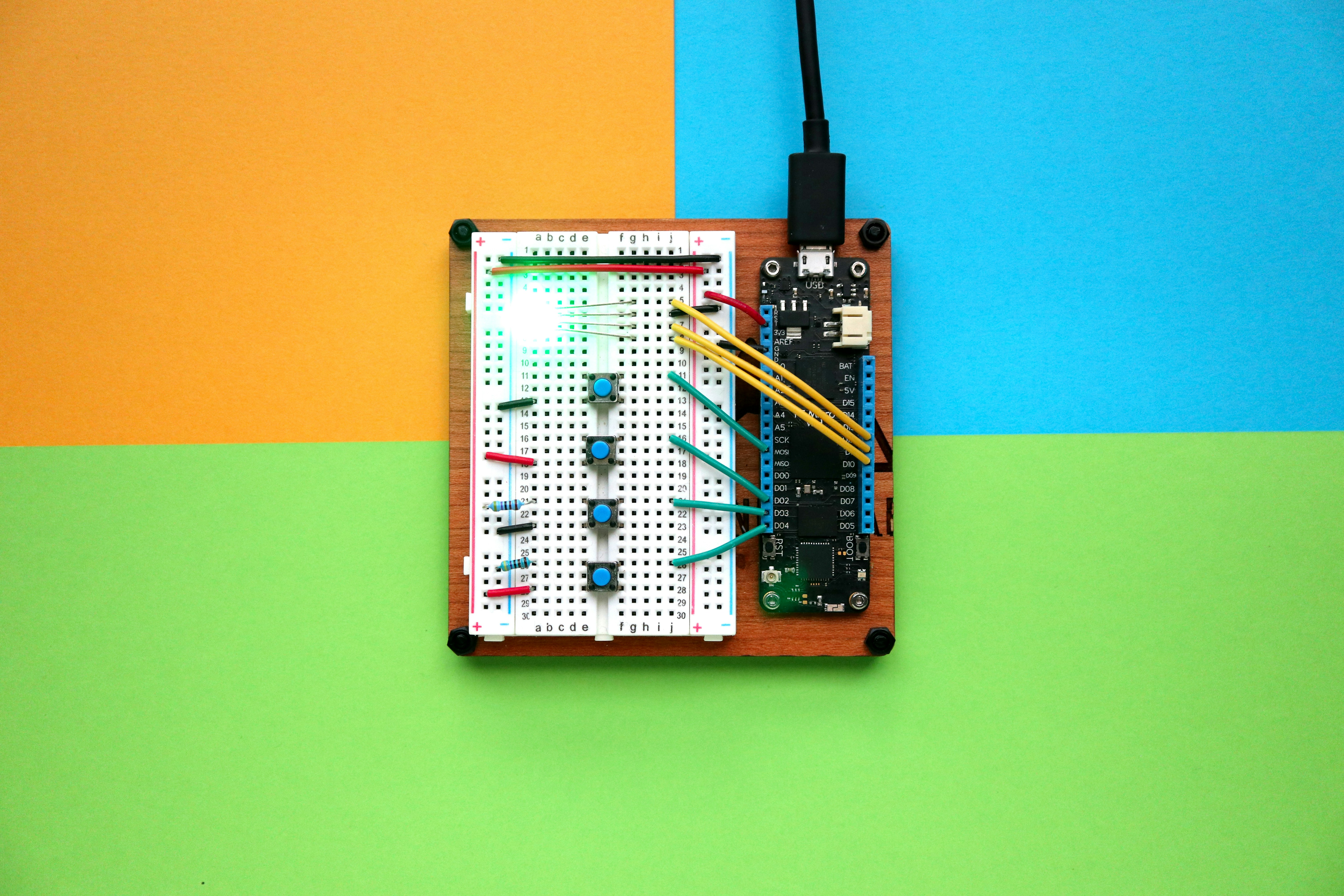
After our deep dive into the world of MicroPython on Arduino, it’s clear that this dynamic duo is more than just a passing trend — it’s a genuine game-changer for many developers, educators, and hobbyists alike.
The Positives ✅
- Rapid prototyping with instant feedback thanks to the REPL.
- Simplified syntax that lowers the barrier for beginners and accelerates development.
- Official Arduino support for boards like the Nano ESP32 and Nano RP2040 Connect, making setup and firmware management a breeze.
- Built-in networking and sensor support that unlocks powerful IoT and robotics projects.
- Cross-disciplinary appeal, bridging the gap between Python programmers and hardware hackers.
The Negatives ❌
- Hardware limitations: Classic Arduino boards like the Uno simply cannot run MicroPython.
- Performance trade-offs: Python is slower and more memory-hungry than C++.
- Library incompatibility: You can’t directly use Arduino C++ libraries without extra work.
- Power consumption: Slightly higher due to interpreter overhead.
Our Recommendation
If you’re starting fresh or want to rapidly prototype IoT or robotics projects, MicroPython on Arduino’s modern boards (Nano ESP32, Nano RP2040 Connect) is a fantastic choice. It’s especially suited for educators, students, and developers who want to focus on logic and creativity rather than low-level syntax.
However, if your project demands maximum performance, real-time control, or you’re locked into legacy Arduino Uno hardware, stick with C++ and the Arduino IDE.
So, is MicroPython the future of Arduino? We say yes — but selectively. It’s a powerful tool in your toolbox, not a hammer for every nail.
🔗 Recommended Links for MicroPython and Arduino
👉 Shop Arduino Boards Compatible with MicroPython:
-
Arduino Nano ESP32:
Amazon | Arduino Official Store | Walmart -
Arduino Nano RP2040 Connect:
Amazon | Arduino Official Store | Walmart -
Arduino Portenta H7:
Amazon | Arduino Official Store | Walmart
Recommended Books on MicroPython and Arduino:
-
Programming with MicroPython: Embedded Programming with Microcontrollers and Python by Nicholas H. Tollervey — Amazon
-
Exploring Raspberry Pi: Interfacing to the Real World with Embedded Linux by Derek Molloy (great for RP2040 background) — Amazon
-
Arduino Cookbook by Michael Margolis (classic Arduino reference) — Amazon
❓ Frequently Asked Questions (FAQ) About MicroPython on Arduino
What are some beginner projects combining MicroPython and Arduino for robotics?
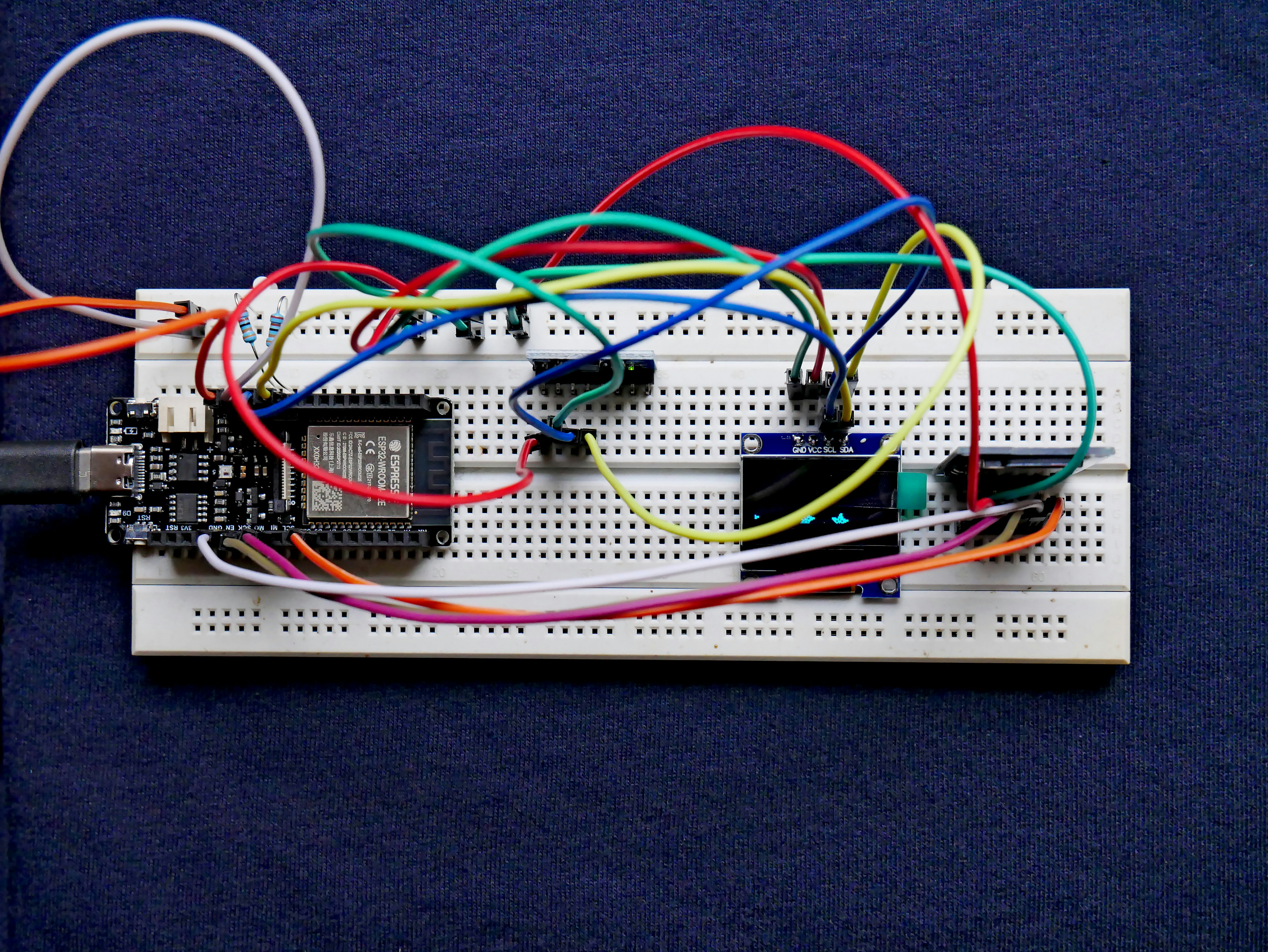
Beginner projects include blinking LEDs, reading temperature sensors, controlling servo motors, and building simple IoT devices like weather stations. For example, using the Arduino Nano ESP32 with MicroPython, you can create a Wi-Fi-enabled robot that sends sensor data to a web dashboard. These projects help you grasp MicroPython syntax and hardware interfacing without overwhelming complexity.
How to interface sensors with Arduino using MicroPython?
MicroPython provides modules like machine.I2C, machine.SPI, and machine.ADC to communicate with sensors. For I2C sensors (e.g., BMP280 temperature sensor), you initialize the bus and use Python drivers. Many sensor manufacturers or community members provide MicroPython-compatible libraries on GitHub. You can also write your own drivers by reading/writing sensor registers directly.
Which Arduino boards support MicroPython natively?
Boards with sufficient RAM and flash memory support MicroPython natively. These include:
- Arduino Nano ESP32
- Arduino Nano RP2040 Connect
- Arduino Portenta H7
- Nicla Vision
Classic boards like Arduino Uno or Mega do not support MicroPython due to hardware constraints.
What are the benefits of using MicroPython for Arduino robotics projects?
MicroPython accelerates development by enabling interactive coding and debugging. Its readable syntax reduces errors and makes code maintenance easier. It also simplifies networking and data handling, which is crucial for modern robotics and IoT applications. This makes it ideal for prototyping and educational purposes.
How do I upload MicroPython code to an Arduino?
You typically use an IDE like Thonny or the Arduino Lab for MicroPython. After flashing the MicroPython firmware to your board, you connect via USB and upload .py files directly to the device’s filesystem or interact via the REPL.
Can I run MicroPython on an Arduino board?
✅ Yes, but only on Arduino boards with compatible hardware like the Nano ESP32, Nano RP2040 Connect, and Portenta H7.
❌ No, if you have classic AVR-based boards like the Arduino Uno or Mega.
What is the difference between MicroPython and Arduino programming?
MicroPython is an interpreted language based on Python, focusing on ease of use and rapid development. Arduino programming uses C/C++, which is compiled and offers more direct hardware control and better performance. MicroPython trades some speed for developer productivity and simplicity.
Is MicroPython slower than C++?
Yes. MicroPython runs on an interpreter, so it executes code slower and uses more memory than compiled C++. However, for many applications, especially prototyping and education, this trade-off is acceptable.
Can MicroPython run on Arduino boards?
Yes, but only on certain models with sufficient resources. The official Arduino MicroPython support targets boards like the Nano ESP32 and Nano RP2040 Connect.
What are the benefits of using MicroPython over Arduino C++?
- Faster iteration cycles
- Easier syntax and readability
- Built-in REPL for interactive coding
- Simplified networking and data handling
- Lower barrier for beginners and educators
How do I program Arduino with MicroPython?
- Flash MicroPython firmware to a compatible Arduino board.
- Use an IDE like Thonny or Arduino Lab for MicroPython to write and upload
.pyscripts. - Use the REPL to test code snippets interactively.
Which Arduino models support MicroPython programming?
- Arduino Nano ESP32
- Arduino Nano RP2040 Connect
- Arduino Portenta H7
- Nicla Vision
Can MicroPython be used for robotic projects with Arduino?
Absolutely! MicroPython is excellent for robotics projects involving sensor data processing, motor control, and IoT connectivity. It’s especially useful for rapid prototyping and educational robotics.
What libraries are available for MicroPython on Arduino?
MicroPython has a growing ecosystem of libraries for hardware control, networking, sensors, and more. Arduino’s official MicroPython firmware includes drivers for Wi-Fi, Bluetooth, and onboard sensors. Community libraries for I2C sensors, OLED displays, and MQTT clients are widely available on GitHub.
How does MicroPython improve coding efficiency in robotics?
By enabling interactive coding, reducing boilerplate, and simplifying complex tasks like networking, MicroPython lets developers focus on logic and innovation rather than low-level details. This speeds up development cycles and makes debugging easier.
📖 Reference Links and Further Reading
- Arduino Official MicroPython Documentation
- MicroPython Official Downloads for Arduino Nano RP2040 Connect
- Arduino Nano ESP32 Product Page
- Arduino Nano RP2040 Connect Product Page
- Arduino Portenta H7 Product Page
- MicroPython Official Website
- Arduino Forum Discussion on MicroPython and Uno
- Thonny IDE
- Arduino Lab for MicroPython Installer
With these insights, you’re now equipped to decide if MicroPython on Arduino is your next coding adventure. Whether you’re a beginner or a seasoned coder, the future is bright — and it’s written in Python. 🐍✨