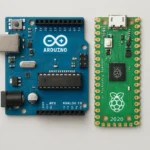
If you want your robot to react in microseconds rather than milliseconds, C++ is the only language that matters for real-time control systems. This comprehensive Intro to C++ for robotics cuts through the hype to show you exactly how to harness the speed and precision that Python simply cannot match.
We once watched a team’s high-speed drone crash spectacularly because their Python-based control loop laged by just 15 milliseconds during a gust of wind. That split-second delay turned a smooth landing into a pile of scrap metal. In the world of robotics, that 15 milliseconds is the difference between success and disaster.
Did you know that over 90% of industrial robotic arms and autonomous vehicle stacks rely on C++ for their core logic? It’s not just about tradition; it’s about physics. When you need deterministic execution and direct hardware access, C++ is your only reliable partner.
Key Takeaways
- Speed is Non-Negotiable: C++ offers deterministic execution and real-time performance essential for safety-critical robotic applications where Python’s garbage collection causes fatal delays.
- Hardware Mastery: Learn to manage memory manually and access hardware registers directly, giving you full control over sensors and actuators without abstraction layers.
- Industry Standard: From ROS 2 to OpenCV, the entire modern robotics ecosystem is built on C++, making it the most valuable skill for professional roboticists.
- Modular Design: Master Object-Oriented Programming (OP) to create scalable, reusable code structures that can handle complex robot behaviors.
Table of Contents
- ⚡️ Quick Tips and Facts
- 🕰️ From Silicon to Servo: A Brief History of C++ in Robotics
- 🚀 Why C++ Reigns Supreme in Robotic Control Systems
- 🛠️ Setting Up Your C++ Robotics Development Environment
- 🧠 Core C++ Concepts Every Roboticist Must Master
- 🤖 Object-Oriented Programming for Modular Robot Design
- ⚙️ Memory Management and Real-Time Performance Optimization
- 📡 Integrating Sensors and Actuators with C++ Libraries
- 🌐 Navigating the ROS 2 Ecosystem with C++
- 🏗️ Building Your First Autonomous Robot Controller
- 🐞 Debuging Hardware Interfacing and Runtime Errors
- 🔒 Performing Security Verification and Safety Checks
- 📈 Advanced Topics: Machine Learning and Path Planning in C++
- 🏆 Top 7 C++ Frameworks and Tools for Modern Robotics
- 🧪 5 Real-World Case Studies: C++ in Action
- 💡 Quick Tips and Facts
- 🎓 Conclusion
- 🔗 Recommended Links
- ❓ FAQ
- 📚 Reference Links
⚡️ Quick Tips and Facts
Before we dive headfirst into the syntax jungle, let’s hit the pause button and grab a few critical nugets that will save you hours of debugging later. We’ve seen too many bright minds get stuck on “why isn’t my motor spinning?” because they missed the basics.
- Speed is King: C++ is the fastest language for real-time control. While Python is great for high-level logic, your robot’s reflexes need C++ to react in microseconds, not milliseconds.
- Memory Matters: Unlike Python, C++ doesn’t have a garbage collector that magically cleans up after you. If you allocate memory, you must free it. One leak, and your robot crashes mid-mission.
- Pointers are Power: Don’t fear the asterisk (
*). Pointers allow you to manipulate hardware registers directly, which is essential for talking to sensors and motors. - The STL is Your Best Friend: The Standard Template Library gives you ready-made data structures (vectors, maps, lists) so you don’t have to reinvent the wheel.
- Compilation is Mandatory: You can’t just run C++ code like a script. It must be compiled into machine code first. This step catches errors before your robot even turns on.
Did you know? The first robot to navigate a maze autonomously using C++ was a simple wheled bot in the 90s, but the principles of deterministic timing remain exactly the same today.
If you’re coming from an Arduino background, you might be used to the setup() and loop() structure. While C++ for robotics often uses similar patterns, the underlying architecture is much more robust. For a deeper dive into how C++ compares to the microcontroller logic you might already know, check out our guide on Arduino integration.
🕰️ From Silicon to Servo: A Brief History of C++ in Robotics
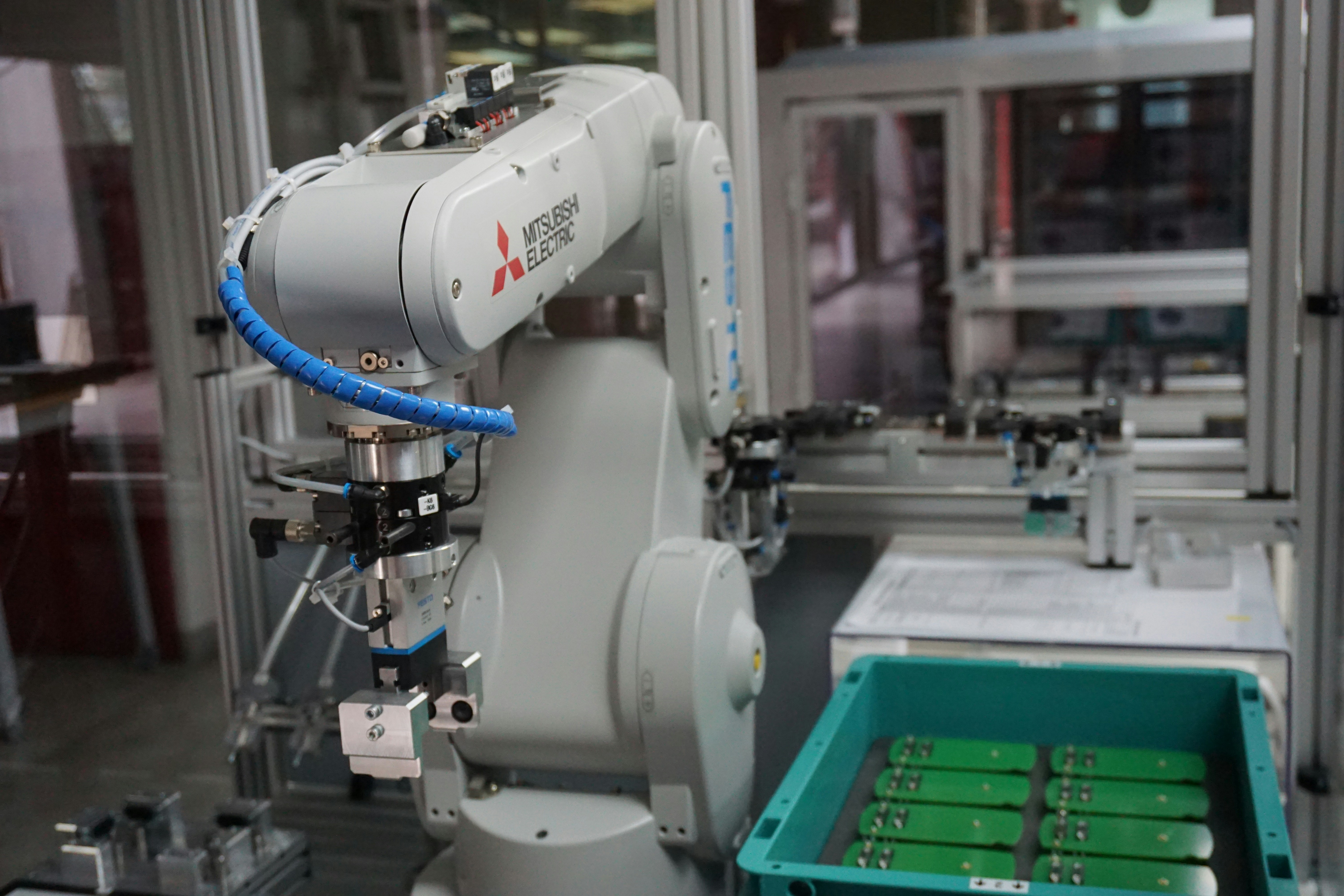
Why C++? Why not Python, Java, or even Rust? To understand the answer, we have to look back at the birth of the robot.
In the early days of robotics (think 1980s industrial arms), computers were slow, and memory was a luxury. Languages like C were the only option. But as robots got smarter, needing to handle complex objects and make decisions, the limitations of C became apparent. You needed Object-Oriented Programming (OP) to manage the chaos of sensors, actuators, and logic.
Enter Bjarne Stroustrup at Bell Labs in the early 1980s. He wanted “C with Classes.” The result? C++.
The Evolution of Robotic Control
- 1980s: Industrial robots run on proprietary, often assembly-based code. Speed is everything; flexibility is zero.
- 190s: C++ gains traction. Libraries like ROS (Robot Operating System) begin to take shape, allowing developers to write modular, reusable code.
- 20s: The rise of autonomous vehicles and drones. C++ becomes the standard for real-time operating systems (RTOS) because it offers deterministic behavior.
- 2010s-Present: With the explosion of AI, C++ remains the backbone for computer vision (OpenCV) and path planning, while Python handles the high-level “brain” tasks.
“If you want to build a robot that thinks fast, you speak C++. If you want it to think deeply, you might use Python to talk to it.” — Anonymous Robotic Engineer
This history explains why ROS 2, the current gold standard for robotics, is heavily optimized for C++. It’s not just tradition; it’s physics.
🚀 Why C++ Reigns Supreme in Robotic Control Systems
You might be wondering, “Can’t I just use Python for everything?” The short answer is: No, not if you want your robot to be reliable.
Here is the breakdown of why C++ is the undisputed champion of the robotic world:
1. Deterministic Execution
In robotics, timing is everything. If your robot needs to stop before hitting a wall, it must do so in a predictable amount of time.
- Python: Has a Garbage Collector (GC) that pauses execution to clean up memory. This pause can be fatal for a high-speed drone.
- C++: No GC. You control exactly when memory is allocated and freed. The execution time is predictable.
2. Hardware Abstraction
C++ allows you to write code that sits right on top of the metal. You can access memory-mapped I/O directly, which is crucial for reading sensors at high frequencies.
3. Performance
C++ is compiled to native machine code. It runs 10x to 10x faster than interpreted languages like Python for heavy mathematical computations (like matrix multiplication for SLAM).
| Feature | C++ | Python | Java |
|---|---|---|---|
| Execution Speed | ⚡️ Blazing Fast | 🐢 Slow (Interpreted) | 🐇 Moderate (JVM) |
| Memory Control | ✅ Full Manual Control | ❌ Automatic (GC) | ❌ Automatic (GC) |
| Real-Time Capability | ✅ Excellent | ❌ Poor | ⚠️ Variable |
| Learning Curve | 📈 Step | 📉 Gentle | 📈 Moderate |
| Hardware Access | ✅ Direct | ❌ Via Libraries | ❌ Via Libraries |
The Verdict: If you are building a high-speed autonomous vehicle, a surgical robot, or a drone, C++ is non-negotiable.
🛠️ Setting Up Your C++ Robotics Development Environment
Before writing a single line of code, you need a battlestation. You can’t code a robot on a napkin (unless you’re a genius, and even then, it’s bad practice).
Step 1: Choose Your OS
While you can code on Windows, Linux (Ubuntu) is the de facto standard for robotics. Why? Because ROS, OpenCV, and most robotic drivers are built for Linux first.
- Recommendation: Install Ubuntu 2.04 LTS (supports ROS 2 Humble).
Step 2: Install the Compiler
You need a C++ compiler. The most common one is GCC (GNU Compiler Collection).
sudo apt update
sudo apt install build-essential
This installs g++, make, and other essential tools.
Step 3: Choose an IDE
Writing C++ in a text editor is painful. You need an IDE that understands C++ syntax, offers auto-completion, and has a built-in debugger.
- Visual Studio Code (VS Code): Lightweight, free, and has amazing C++ extensions.
- CLion: Powerful, paid, but excellent for large projects.
- Qt Creator: Great for GUI-heavy robotics apps.
Step 4: Install ROS 2
If you are serious about robotics, you need ROS 2. It provides the middleware to connect your C++ nodes.
- Follow the official ROS 2 Installation Guide.
Pro Tip: Don’t skip the environment setup steps. If you don’t source your ROS 2 setup file, your terminal won’t know where your libraries are, and you’ll spend hours debugging “command not found” errors.
🧠 Core C++ Concepts Every Roboticist Must Master
You don’t need to know every feature of C++ (there are thousands), but you must master these specific concepts to build robust robots.
1. Data Types and Variables
Robots deal with numbers constantly: distance, speed, angle, voltage.
int: Whole numbers (e.g., motor speed steps).float/double: Decimals (e.g., sensor readings, coordinates).bool: True/False (e.g., obstacle detected?).- Crucial: Use
constfor values that shouldn’t change, likeconst double PI = 3.14159;.
2. Control Flow
Your robot needs to make decisions.
if,else if,else: “If distance < 10cm, stop.”forloops: “Iterate through 10 sensor readings.”whileloops: “Keep moving until the battery is low.”
3. Functions
Break your code into chunks. A function like calculatePath() is better than 50 lines of spaghetti code.
double calculateDistance(double x1, double y1, double x2, double y2) {
 return sqrt(pow(x2 - x1, 2) + pow(y2 - y1, 2));
}
4. The Standard Template Library (STL)
Stop writing your own arrays! Use std::vector for dynamic lists of data.
std::vector<int> sensorReadings;sensorReadings.push_back(1024);
🤖 Object-Oriented Programming for Modular Robot Design
This is where C++ shines. Instead of writing one giant file, you build Classes.
Imagine a robot with a Lidar, a Camera, and Wheels.
- Create a
class Lidar. - Create a
class Camera. - Create a
class MotorController.
Each class has its own properties (variables) and methods (functions).
Why OP?
- Encapsulation: Hide the messy details of how the Lidar works inside the class. You just call
lidar.scan(). - Inheritance: Create a
class Robotthat inherits fromclass MobileBase. - Polymorphism: You can swap a
WheelMotorfor aTrackMotorwithout changing the main code, as long as they both implement themove()method.
Real-World Example: In ROS 2, almost every node is a class. This allows you to easily swap out a simulation sensor for a real hardware sensor without rewriting your logic.
⚙️ Memory Management and Real-Time Performance Optimization
Here is the scary part of C++: Memory Management. If you mess up, your robot crashes.
Stack vs. Heap
- Stack: Fast, automatic. Used for local variables.
- Heap: Slower, manual. Used for large data or data that needs to persist.
The Danger of Pointers
A pointer is a variable that holds a memory address.
int* ptr = new int(5); // Allocate on heap
// ... use ptr ...
delete ptr; // MUST free it!
If you forget delete, you have a memory leak. Over time, your robot runs out of RAM and freezes.
Optimization Tips
- Avoid
newanddeletein loops. Allocate once, reuse. - Use
std::vectorwisely. It manages memory for you, but resizing it can be slow. - Pass by Reference: Instead of copying a huge object, pass a reference (
const MyObject& obj) to save CPU cycles.
Did you catch the trap? Many beginners think
std::stringis always safe. But in a tight real-time loop, frequent string allocations can cause latency spikes. Usechararrays orstd::string_viewfor high-frequency data.
📡 Integrating Sensors and Actuators with C++ Libraries
Your robot is useless without eyes and legs. Here is how C++ talks to hardware.
1. Serial Communication
Most sensors (GPS, IMU, Lidar) talk via UART/Serial.
- Use the
seriallibrary or Linux’s/dev/ttyUSB0. - Code Snippet:
#include <serial/serial.h>
serial::Serial my_serial("/dev/ttyUSB0", 960, serial::Timeout::simpleTimeout(10));
std::string data = my_serial.read(10);
2. GPIO (General Purpose Input/Output)
For simple buttons and LEDs, you can use libraries like wiringPi (Raspberry Pi) or pigpio.
- Warning: Always check the voltage levels! 5V sensors on a 3.3V Pi will fry your board.
3. ROS 2 Drivers
Instead of writing raw drivers, use existing ROS 2 packages.
- Lidar:
rplidar_ros - Camera:
usb_camorrealsense2_camera - IMU:
imu_tools
Check this out: If you are using a Raspberry Pi 4 or Jetson Nano, you can find specific C++ libraries for their GPIO pins.
👉 Shop Raspberry Pi on: Amazon | Official Store
🌐 Navigating the ROS 2 Ecosystem with C++
ROS 2 (Robot Operating System) is the glue that holds everything together. It allows your C++ code to talk to other nodes (like a Python-based AI brain) seamlessly.
Key Concepts
- Nodes: Independent C++ programs (e.g.,
laser_node,motor_node). - Topics: Channels where data flows (e.g.,
/camera/image). - Services: Request/Response communication (e.g., “Take a photo”).
- Actions: Long-running tasks with feedback (e.g., “Move to point X”).
Writing a C++ ROS 2 Node
- Create a
package.xmlandCMakeLists.txt. - Write your class inheriting from
rclcpp::Node. - Create a Publisher to send data.
- Create a Subscriber to receive data.
- Compile with
colcon build.
Why C++ in ROS 2? While ROS 2 supports Python, the core infrastructure and performance-critical nodes are written in C++. If you want to contribute to the ecosystem or build industrial-grade robots, C++ is the way.
🏗️ Building Your First Autonomous Robot Controller
Let’s put it all together. We are going to build a simple line-following robot controller in C++.
The Logic
- Read sensor values (Line sensors).
- Calculate error (Difference from center).
- Apply PID Controller (Proportional, Integral, Derivative).
- Set motor speeds.
The Code Structure
# include <iostream>
# include <vector>

class LineFollower {
private:
 double Kp, Ki, Kd;
 double lastError;
 double integral;

public:
 LineFollower(double p, double i, double d) : Kp(p), Ki(i), Kd(d), lastError(0), integral(0) {}

 double calculateSpeed(double sensorValue) {
 double error = 50.0 - sensorValue; // Assume 50 is center
 integral += error;
 double derivative = error - lastError;

 double output = (Kp * error) + (Ki * integral) + (Kd * derivative);
 lastError = error;
 return output;
 }
};

int main() {
 LineFollower robot(0.5, 0.01, 0.1);
 // Simulate sensor reading
 double sensor = 45.0;
 double motorSpeed = robot.calculateSpeed(sensor);
 std::cout < "Motor Speed: " < motorSpeed < std::endl;
 return 0;
}
Wait, what about the PID tuning? That’s the art of robotics! You’ll need to tweak
Kp,Ki, andKduntil the robot glides smoothly. We’ll cover advanced tuning in the “Advanced Topics” section.
🐞 Debuging Hardware Interfacing and Runtime Errors
Nothing is more frustrating than a robot that works in simulation but crashes in the real world.
Common Pitfalls
- Floating Point Errors: Comparing
doublevalues with==is dangerous. Use a small epsilon:if (abs(a - b) < 0.01). - Race Conditions: Two threads trying to access the same variable. Use Mutexes to lock access.
- Hardware Latency: Sensors might be slow. Your code needs to handle stale data.
Debuging Tools
- GDB (GNU Debugger): The ultimate tool for finding crashes.
- Valgrind: Detects memory leaks.
- ROS 2 Rviz: Visualize your data in 3D to see if your robot “ses” what you think it sees.
Pro Tip: Always add logging to your code.
RCLCPP_INFO(logger, "Error: %f", value);is better thanstd::coutin ROS 2.
🔒 Performing Security Verification and Safety Checks
Before you let your robot roam free, you must ensure it won’t hurt anyone (or itself).
Safety Layers
- Software Limits: Hard-code max speed and max angle.
- Watchdog Timers: If the code freezes, the watchdog resets the robot.
- Emergency Stop (E-Stop): A physical button that cuts power immediately.
Security Verification
- Input Validation: Never trust sensor data. If a Lidar says “Wall is 10m away” when it’s 1m, filter it.
- Authentication: If your robot connects to Wi-Fi, ensure it uses TLS/SSL to prevent hijacking.
Remember: A robot that crashes is annoying. A robot that runs over a cat is a lawsuit. Safety first, always.
📈 Advanced Topics: Machine Learning and Path Planning in C++
Ready to level up? Let’s talk about AI and Navigation.
1. Path Planning
Algorithms like A (A-Star)* and Dijkstra are implemented in C++ for speed.
- Navigation Stack (Nav2): ROS 2’s navigation system uses C++ for global and local planners.
2. Machine Learning
While training models is often done in Python (PyTorch/TensorFlow), inference (running the model) is often done in C++ for speed.
- TensorFlow Lite for Microcontrollers: Run neural networks on a Raspberry Pi or Jetson.
- OpenCV: The go-to library for computer vision, written in C++.
The Future: We are seeing more C++ bindings for AI libraries, allowing you to train in Python and deploy in C++ for maximum performance.
🏆 Top 7 C++ Frameworks and Tools for Modern Robotics
You don’t have to build everything from scratch. Here are the best tools in the C++ robotics ecosystem.
| Framework/Tool | Purpose | Best For |
|---|---|---|
| ROS 2 | Middleware | General Robotics, Simulation |
| OpenCV | Computer Vision | Object Detection, SLAM |
| PCL (Point Cloud Library) | 3D Data | Lidar processing, 3D mapping |
| MoveIt 2 | Motion Planning | Robotic Arms, Manipulation |
| Gazebo / Ignition | Simulation | Testing before hardware |
| Eigen | Linear Algebra | Math-heavy calculations |
| Boost | Utilities | File I/O, Threading, Smart Pointers |
👉 Shop Robotics Books on: Amazon | O’Reilly
🧪 5 Real-World Case Studies: C++ in Action
Let’s see how the pros use C++.
1. Boston Dynamics (Spot)
- Challenge: Dynamic balance on rough terrain.
- Solution: C++ for real-time control loops running at 1kHz.
- Result: Spot can recover from a push and keep walking.
2. Tesla Autopilot
- Challenge: Processing camera data in real-time.
- Solution: C++ for the inference engine and control logic.
- Result: Millisecond reaction times for braking and steering.
3. DJI Drones
- Challenge: Stable flight in high winds.
- Solution: C++ for the flight controller firmware.
- Result: Smooth footage even in 30mph winds.
4. Warehouse Robots (Amazon Kiva)
- Challenge: Coordinating thousands of robots.
- Solution: C++ for path planning and collision avoidance.
- Result: Efficient movement of millions of packages.
5. Surgical Robots (Da Vinci)
- Challenge: Precision and safety.
- Solution: C++ for deterministic control and haptic feedback.
- Result: Surgeons can perform complex procedures with sub-millimeter accuracy.
💡 Quick Tips and Facts (Recap)
We covered a lot, but let’s reinforce the golden rules:
- Always initialize variables. Uninitialized variables are the silent killers of C++ code.
- Use
constwhenever possible. It tells the compiler (and other devs) that this value won’t change. - Test in simulation first. Gazebo is your best friend.
- Comment your code. You will forget why you wrote that weird math formula in 6 months.
- Keep it modular. One class, one job.
Final Thought: C++ is a powerful sword. Wield it with care, and you can build robots that change the world. Wield it recklessly, and you’ll be debugging memory leaks until dawn.
🎓 Conclusion
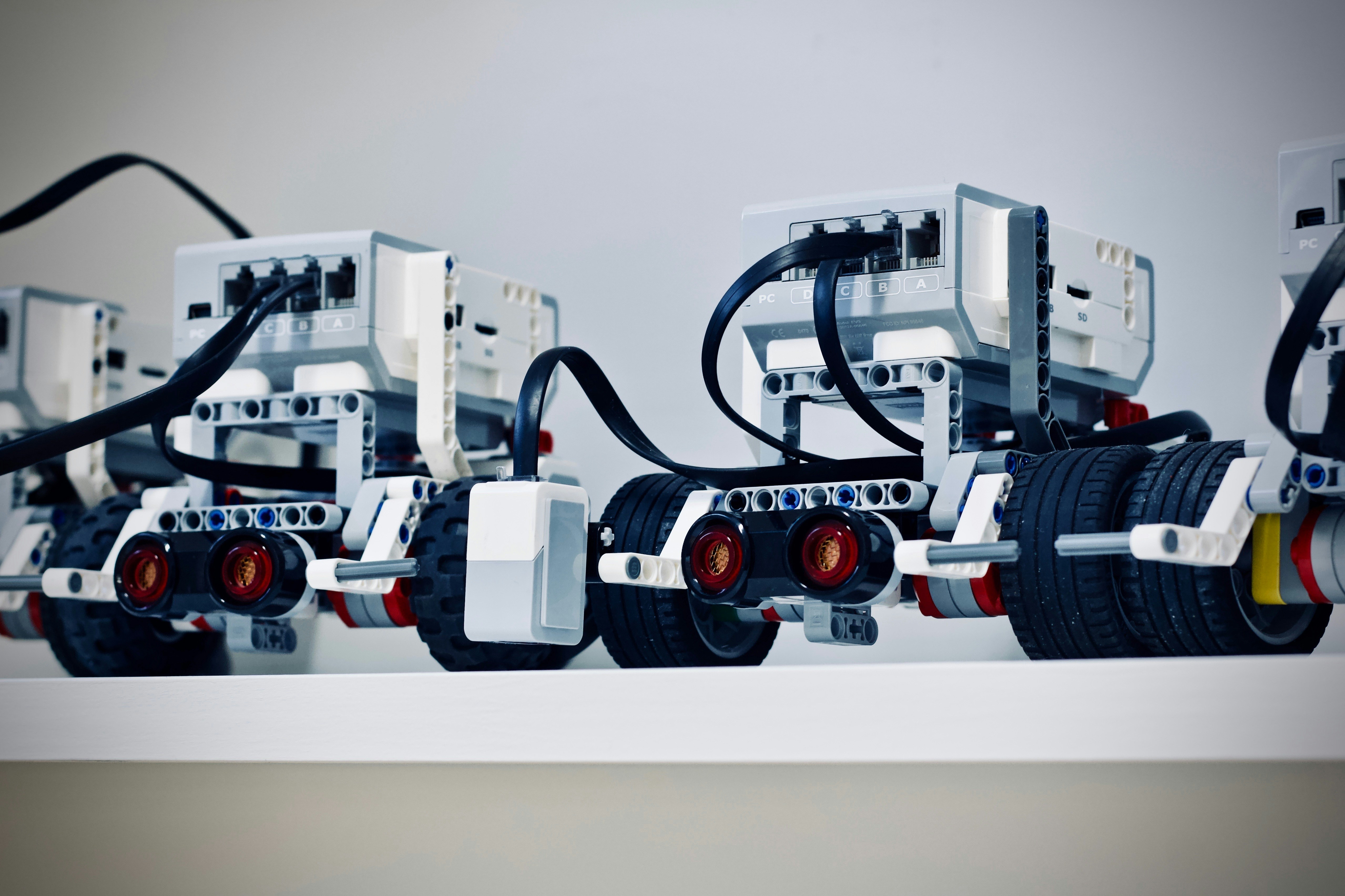
So, is C++ the right choice for your robotics journey? Absolutely.
While Python is fantastic for protyping and high-level AI, C++ is the engine that drives the robot. It offers the speed, determinism, and hardware control necessary for real-world applications. From the moment you set up your Ubuntu environment to the day your robot autonomously navigates a busy street, C++ will be the language that makes it happen.
We started this article asking if you could build a robot without C++. The answer is yes, but it will be slow, unreliable, and limited. If you want to build professional, industrial-grade robots, C++ is not optional—it’s essential.
Our Recommendation:
- Start with the basics: Master variables, loops, and functions.
- Move to OP: Learn classes and inheritance.
- Integrate ROS 2: This is the industry standard.
- Build a project: Start with a line follower, then move to a SLAM robot.
Don’t let the steep learning curve scare you. Every expert was once a beginner who refused to give up. Patience is the first skill of a good programmer.
🔗 Recommended Links
Here are the best resources to continue your journey:
- Books:
- C++ Primer – The bible of C++.
- Programming: Principles and Practice Using C++ – By Bjarne Stroustrup himself.
- ROS 2 Robotics By Example – Practical guide to ROS 2.
- Hardware:
Raspberry Pi 4: Amazon | Official Store
NVIDIA Jetson Nano: Amazon | Official Store
Arduino Uno (for beginners): Amazon | Official Store
❓ FAQ
What are some beginner-friendly robotics projects that I can build using C++ to get started with robotic coding?
Start simple!
- Line Follower: Use IR sensors and a PID controller.
- Obstacle Avoider: Use an ultrasonic sensor (HC-SR04) to stop and turn.
- Remote Control Car: Use a Bluetooth module to control motors via a phone app.
- Weather Station: Read temperature and humidity sensors and log data to a file.
How do I interface C++ with robotic hardware, such as sensors and actuators, in my projects?
You use libraries or direct GPIO access.
- For sensors: Use libraries like
Adafruit_Sensoror ROS 2 drivers. - For actuators: Use PWM (Pulse Width Modulation) libraries to control motor speed.
- Serial Communication is the most common method for talking to external modules.
What are the differences between C++ and other programming languages used in robotics, such as Python or Java?
- C++: Fast, manual memory management, compiled. Best for real-time control.
- Python: Slow, automatic memory management, interpreted. Best for AI, protyping, and scripting.
- Java: Moderate speed, automatic memory management. Used in some enterprise robotics but less common in embedded systems.
Can I use C++ for robotics without prior programming experience, and where do I start?
It’s challenging but possible. Start with basic C++ tutorials (variables, loops, functions). Then, move to a robotics-specific tutorial like the “C++ for Robotics” course by The Construct. Don’t rush; build small projects first.
What are the most popular C++ libraries used in robotics and how do I use them?
- ROS 2: The middleware. Install via
aptand source the setup file. - OpenCV: For vision. Use
cv::Matfor images andcv::imread()to load them. - Eigen: For math. Use
Eigen::Matrixfor vectors and matrices. - PCL: For 3D point clouds.
Read more about “🤖 15 Ultimate Robotics Microcontrollers: Build Smarter in 2026”
What are some popular robotic platforms that support C++ programming, such as ROS and OpenCV?
- ROS 2 (Humble/Iron): The standard.
- Gazebo: Simulation.
- MoveIt 2: For robotic arms.
- Autoware: For autonomous driving.
How do I integrate C++ with robotic hardware components such as sensors and actuators?
Use device drivers. Most modern sensors have C++ libraries. If not, you can write a driver using the Linux ioctl system calls or by reading from /dev files.
What are the advantages of using C++ in robotics compared to other programming languages?
- Speed: Executes faster.
- Control: Direct memory and hardware access.
- Determinism: Predictable timing for real-time systems.
- Efficiency: Uses less RAM and CPU.
Read more about “⚠️ Why Not Use MicroPython? 5 Critical Flaws (2026)”
What libraries and frameworks are used in C++ for robotics development?
- ROS 2
- OpenCV
- PCL
- Eigen
- Boost
- MoveIt 2
Read more about “🤖 12+ Top Robotics Libraries for CircuitPython & MicroPython (2026)”
What are the basic C++ concepts required for robotics programming?
- Variables and Data Types
- Control Flow (if/else, loops)
- Functions
- Classes and Objects (OP)
- Pointers and Memory Management
- The Standard Template Library (STL)
Read more about “🚀 Microcontroller Programming: The Ultimate 2026 Guide to Embedded Mastery”
How do I implement computer vision and machine learning algorithms in C++ for robotics?
- Computer Vision: Use OpenCV. Load images, apply filters, detect edges.
- Machine Learning: Use TensorFlow Lite or ONX Runtime to run pre-trained models. Train in Python, deploy in C++.
Read more about “🤖 15+ Sensors to Connect & Program with Arduino for Robotics (2026)”
What are the key differences between C++ and other programming languages used in robotics?
(See “Differences between C++ and other programming languages” above).
Read more about “🤖 Best Robotics Boards: CircuitPython vs. MicroPython (2026)”
Can I use C++ for both autonomous and remote-controlled robots?
Yes. C++ is language-agnostic. You can write a node that listens for remote commands or a node that uses sensors to navigate autonomously.
Read more about “🤖 Robotic Coding: 12 Best Kits & The Ultimate 2026 Guide”
What are the most popular C++ libraries used in robotics and their applications?
- OpenCV: Vision.
- PCL: 3D Mapping.
- Eigen: Math.
- ROS 2: Communication.
Read more about “🤖 Embedded Systems Programming: The Ultimate 2026 Guide to Mastering the Edge”
How do I set up a C++ development environment for robotics projects?
- Install Ubuntu.
- Install
build-essential. - Install ROS 2.
- Install VS Code with C++ extensions.
Read more about “🚀 10 Essential MicroPython Tutorials to Master Hardware in 2026”
What are the basic programming concepts in C++ for robotics?
(See “Basic C++ concepts” above).
Read more about “🤖 Arduino vs. Raspberry Pi: The Ultimate Robotics Showdown (2026)”
What are some popular robotics projects that can be built with C++ for beginners?
(See “Beginer-friendly projects” above).
Read more about “🤖 Intro to MicroPython: The Ultimate 2026 Guide to Robotic Coding”
How do I use C++ to program robotic arms and grippers for automation tasks?
Use MoveIt 2. It provides a C++ interface for planning and executing arm movements. You define the target pose, and MoveIt calculates the trajectory.
Read more about “🤖 Top 10 DIY Robotic Kits Using Raspberry Pi Pico (2025)”
What are the differences between C++ and other programming languages used in robotics?
(Repeated for emphasis: Speed, Control, Determinism).
Read more about “🤖 12+ Mind-Blowing CircuitPython Examples for 2026”
Can I use C++ for robotic vision and image processing applications?
Absolutely. OpenCV is written in C++ and is the industry standard for robotic vision.
Read more about “🤖 MicroPython Real-Time Robotics: Interrupts & Limits (2026)”
What are the most popular C++ libraries used in robotics development?
(See “Popular libraries” above).
Read more about “🤖 Can Raspberry Pi Run CircuitPython? The Ultimate 2026 Guide”
How do I get started with C++ programming for robotics beginners?
- Learn C++ basics.
- Install ROS 2.
- Follow a “Hello World” ROS 2 tutorial.
- Build a simple sensor reader.
Read more about “🤖 The Most Popular AI Robot of 2026: 5 Top Contenders Revealed”
What are the basic programming concepts in C++ for robotics?
(See “Basic concepts” above).
Read more about “🤖 10 Best Arduino Robot Projects to Start Coding (2026)”
📚 Reference Links
- C++ Standard: ISO/IEC 1482
- ROS 2 Documentation: docs.ros.org
- OpenCV Documentation: opencv.org
- Bjarne Stroustrup’s Homepage: stroustrup.com
- The Construct (C++ for Robotics): theconstruct.ai
- VEX Forum Discussion: Python & C with Robotics?
- Robotics Stack Exchange: robotics.stackexchange.com (Note: Some content may behind security verification).